
photo guide
A clear guide to taking professional photos of your work that are more likely to be used in posters, brochures, social media, and more!
BEST PRACTICES
-
You never know what aspect ratio will be needed! Most print work uses portrait images, while web work often requires landscape - so it is wise to take both!
Another tip: frame your work with more space than you think you need. This often helps designers overlay text on the negative space.
-
It’s okay to make small adjustments to brightness and contrast, but ideally the quality of your lighting and backdrop will suffice.
DO NOT remove the background from your image! This makes your image float in space and we cannot use it in WACK materials. -
Photo boxes contain professional backdrops and lighting that makes photographing your work very easy!
WACK will be providing dates to use local photo boxes along with photography workshops. Stay tuned! -
When we use artwork for posters, the image size increased quite a bit, so we need high quality photos!
This means using a good digital camera, such as a DSLR, to take your images as they automatically export with at least 300 DPI.
Please submit images as JPEG or PNG. When sending large image files, it is great to compress these into a single zip file.
DO NOT submite HEIC (this is how iphone photos automatically export) as it cannot be used on web. -
We look at hundreds of photos when organizing a single studio tour, and it is impossible to keep files straight when they are not properly named.
Please name all of your files with your full first and last name so that we can easily locate them and feature your work!
We recommend following these key guidelines when photographing your work:
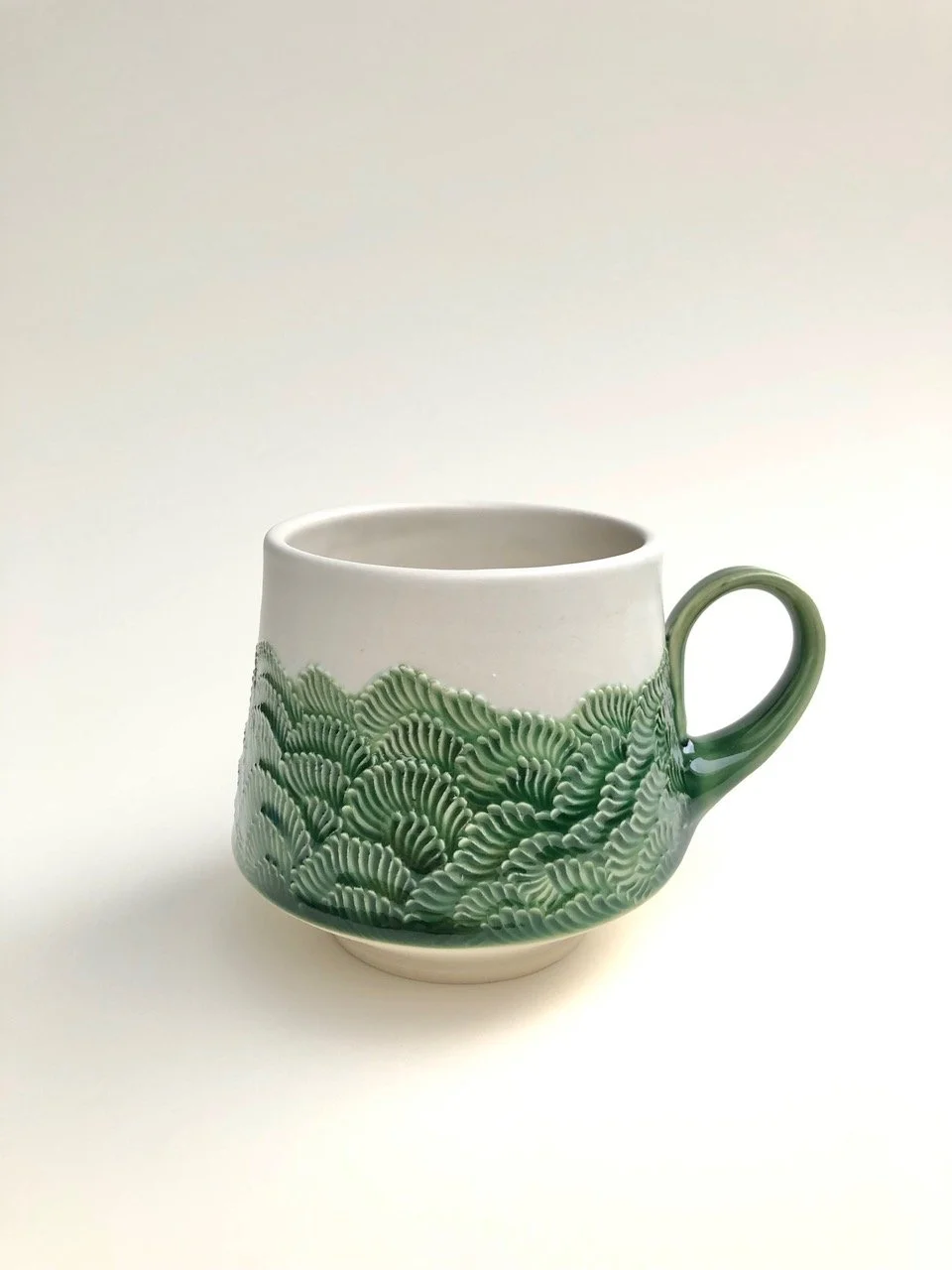
PHOTO DO’S AND DON’TS
DO:
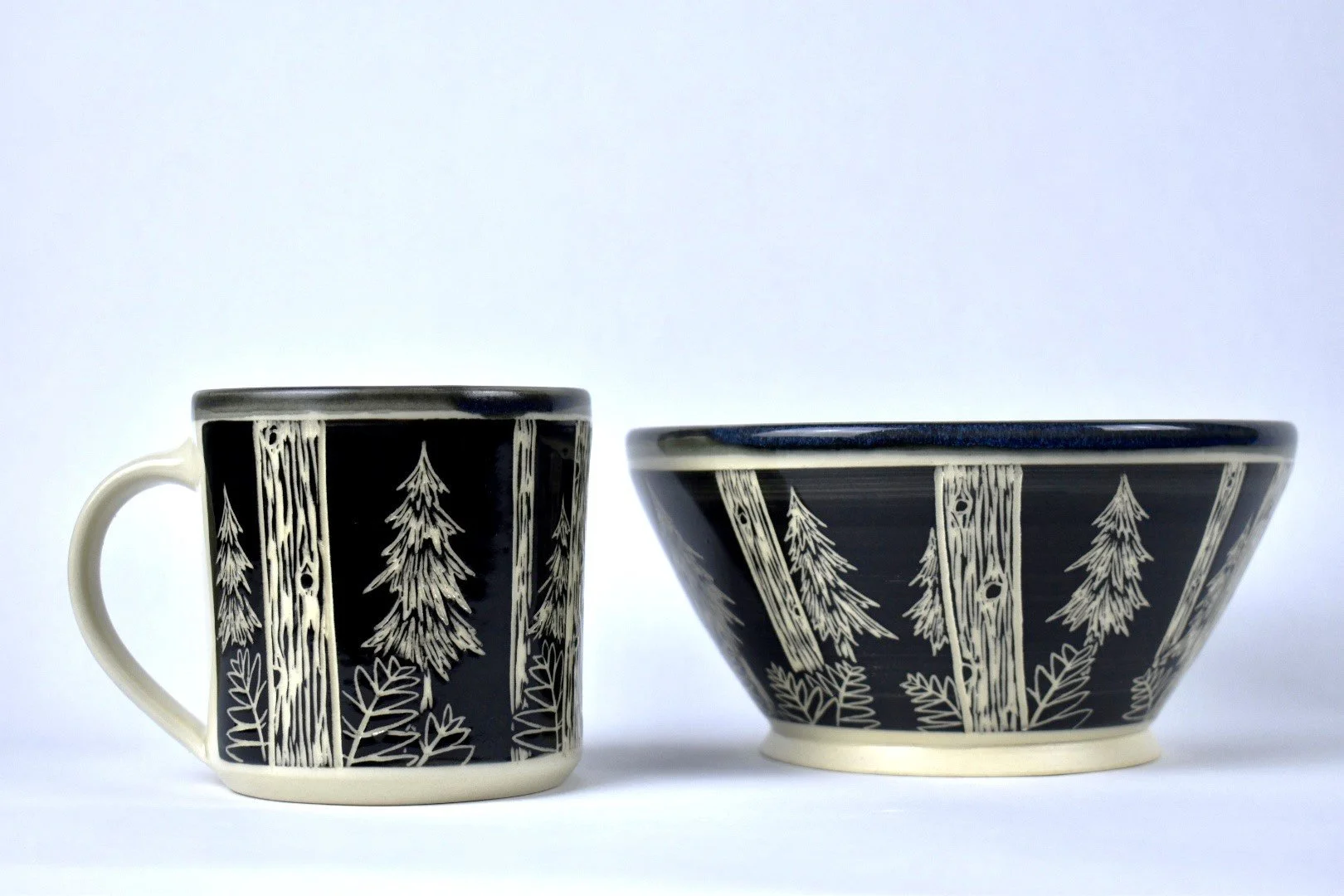
Use a clean, plain backdrop

DO not:
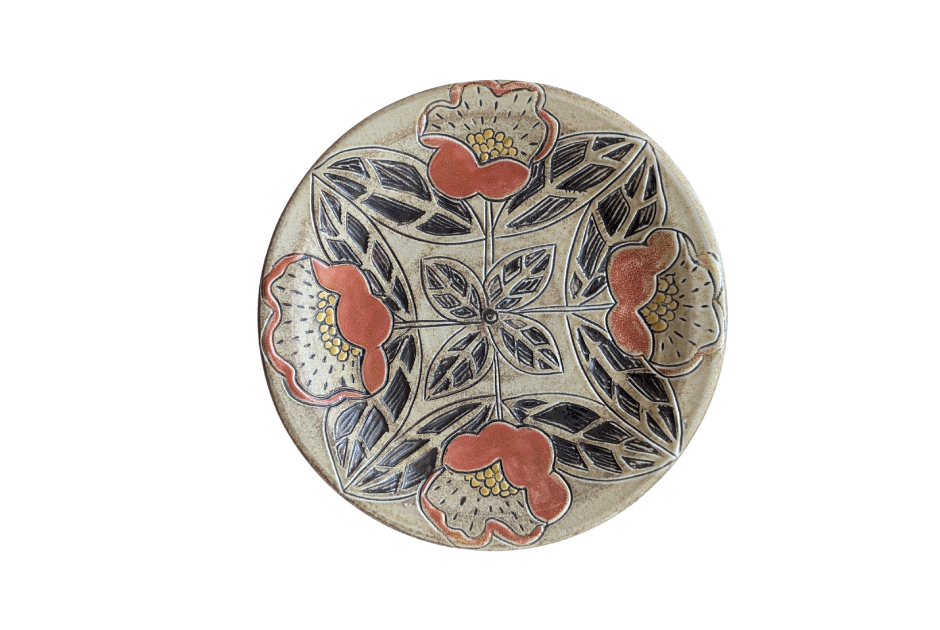
Edit or remove the background
DO:
Leave lots of space around your work

DO not:
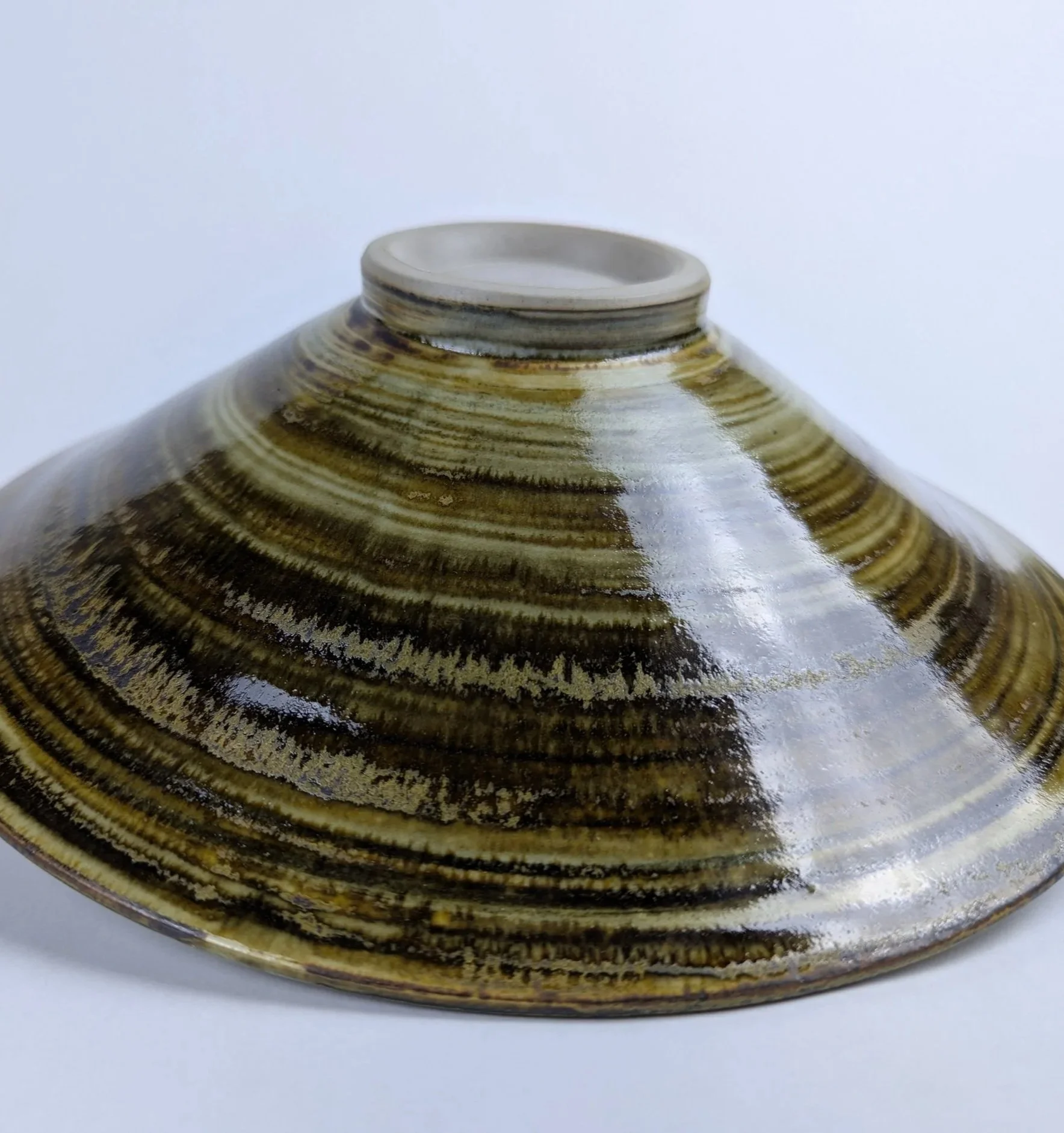
Cut off the edges of your work
DO:
Use a photo box with a neutral background

DO not:
Use a harsh gradient backdrop
